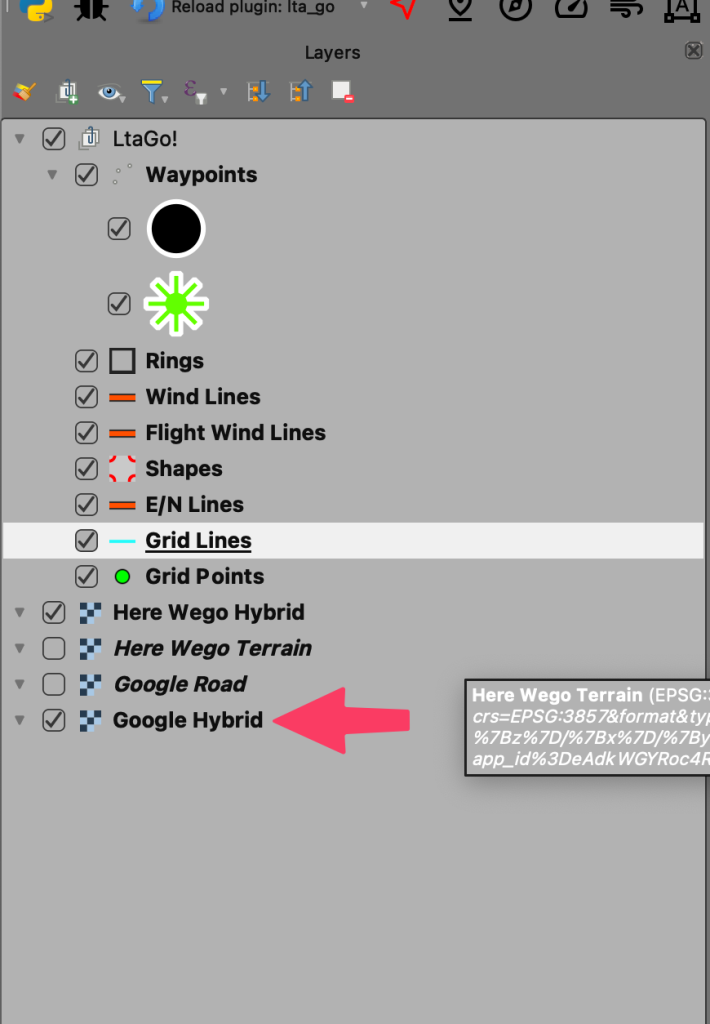
QGIS provides a BUNCH of options for map layers. That won’t be covered here, but if you want to get nerdy and dig in go to the QGIS documentation.
QGIS has a number of plugins that can provide map tiles or if you have a map tile service you like you can probably hook up directly to that. We will cover using “NextGIS QuickMapServices” here.
Offline Maps
Setting up maps for offline usage is covered in a separate article here.
Installing “NextGIS QuickMapServices”
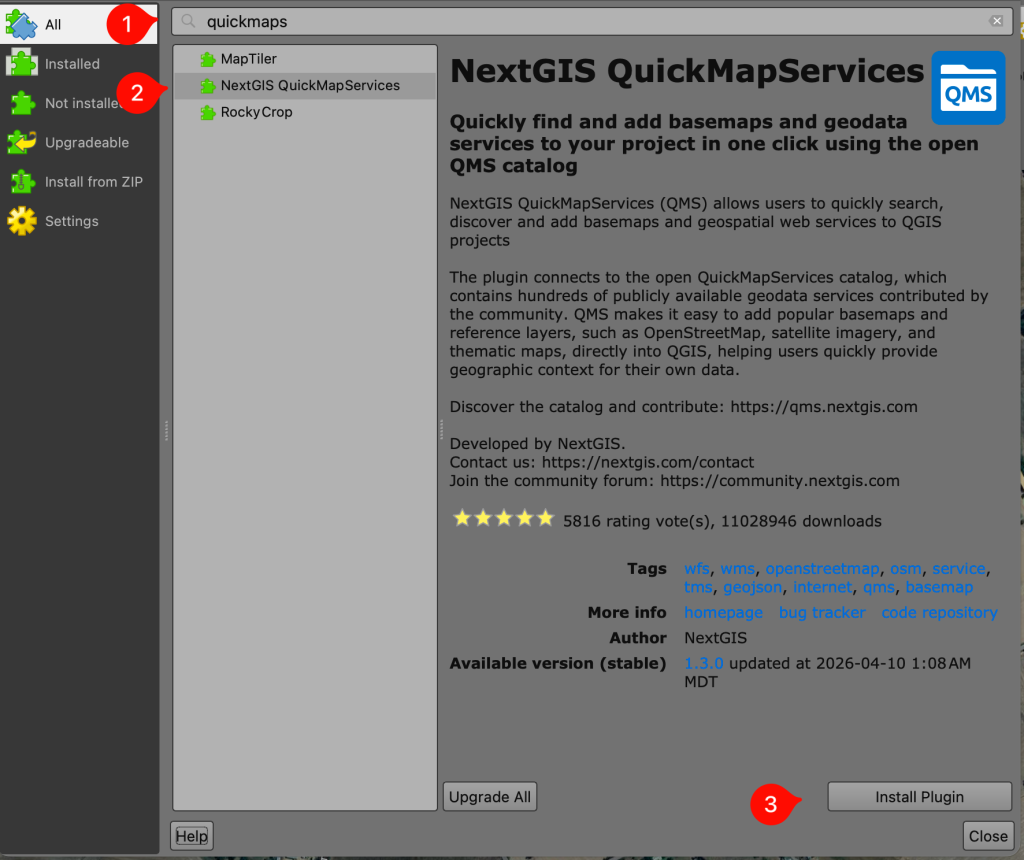
Open up QGIS, in the toolbars at the top click “Plugins” > “Manage and install plugins”. In the Plugins window click “All” on the left hand side. In the search bar at the top enter “quickmapservices”(no spaces). In the bottom right of the window you should see a button that says “Install Plugin”. Click the “Install Plugin” button. You can close the plugins window now.
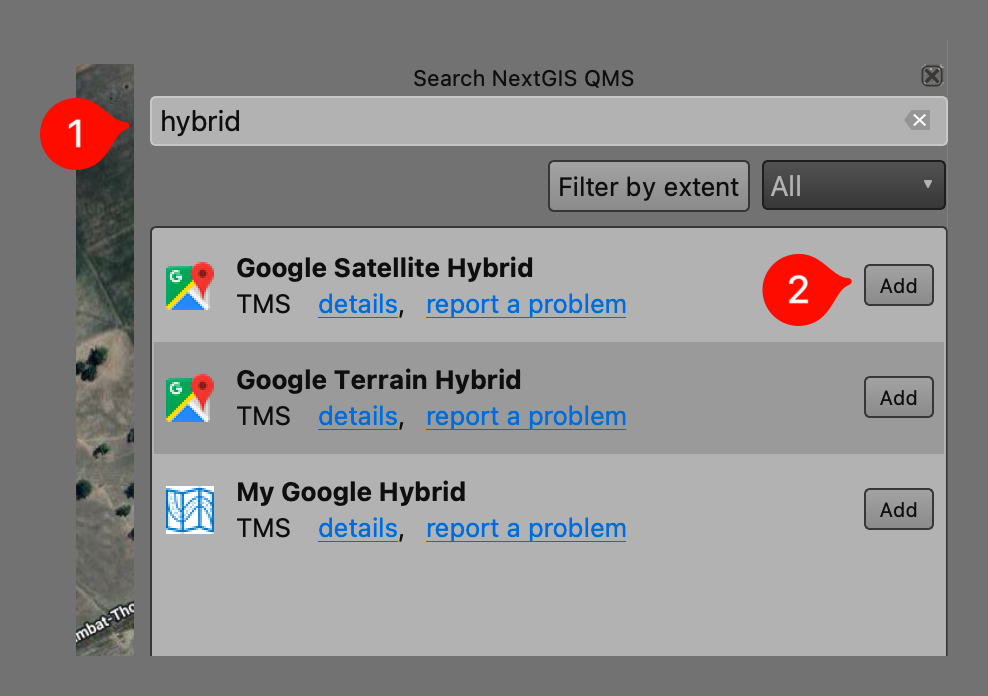
After installing there should be a panel open somewhere. Probably on the right hand side. It will have “Search NextGIS QMS” at the top of the panel. In the search string input type, “Satellite”, “hybrid”, “street”, or whatever map type you’d like and hit enter. Click on “Add” and the map layer will be added to your project.